How it works
- 1
Add steps
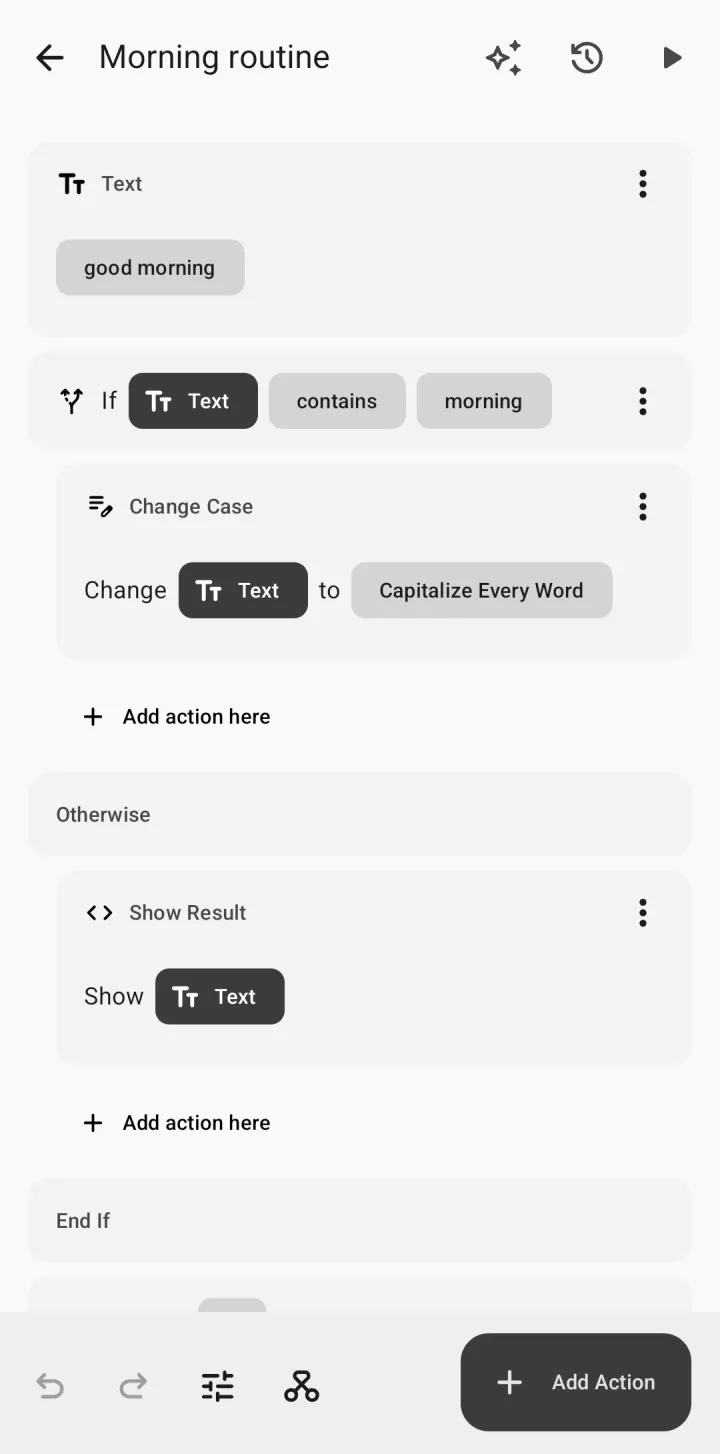
Choose actions and fill in the blanks. Each step reads like a sentence.
- 2
Run it with a tap
From the app, your home screen, the share sheet or text you select.
- 3
Let it run itself
Add a trigger, and the shortcut runs on its own when the moment comes.
Steps that read like sentences
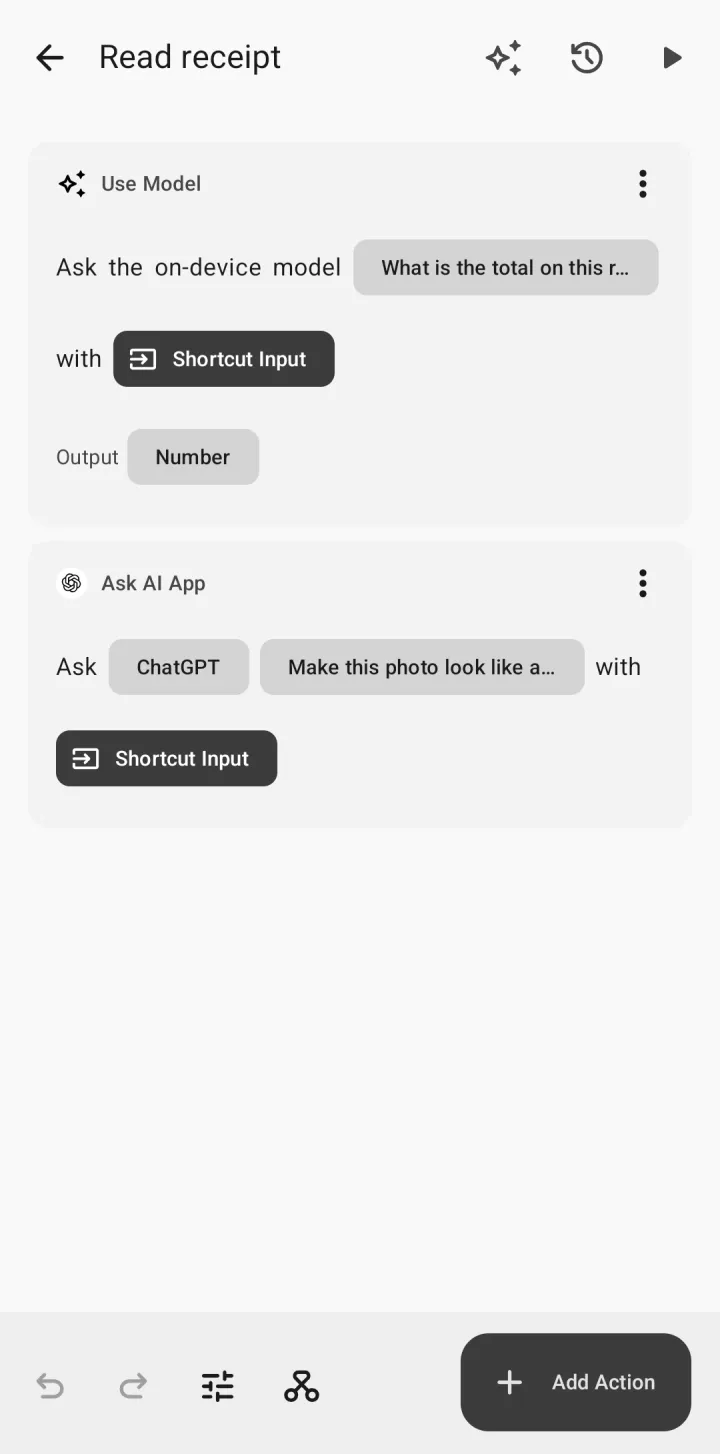
Build a shortcut by adding steps that read like sentences: “Get Battery Level”, “If Battery Level is less than 20”, “Show Notification”. Each step shows which earlier step its value comes from, so you can always see how your shortcut works. No code, no hidden magic.
Gallery
Start from ready-made shortcuts and automations, then make them your own.
Run them anywhere
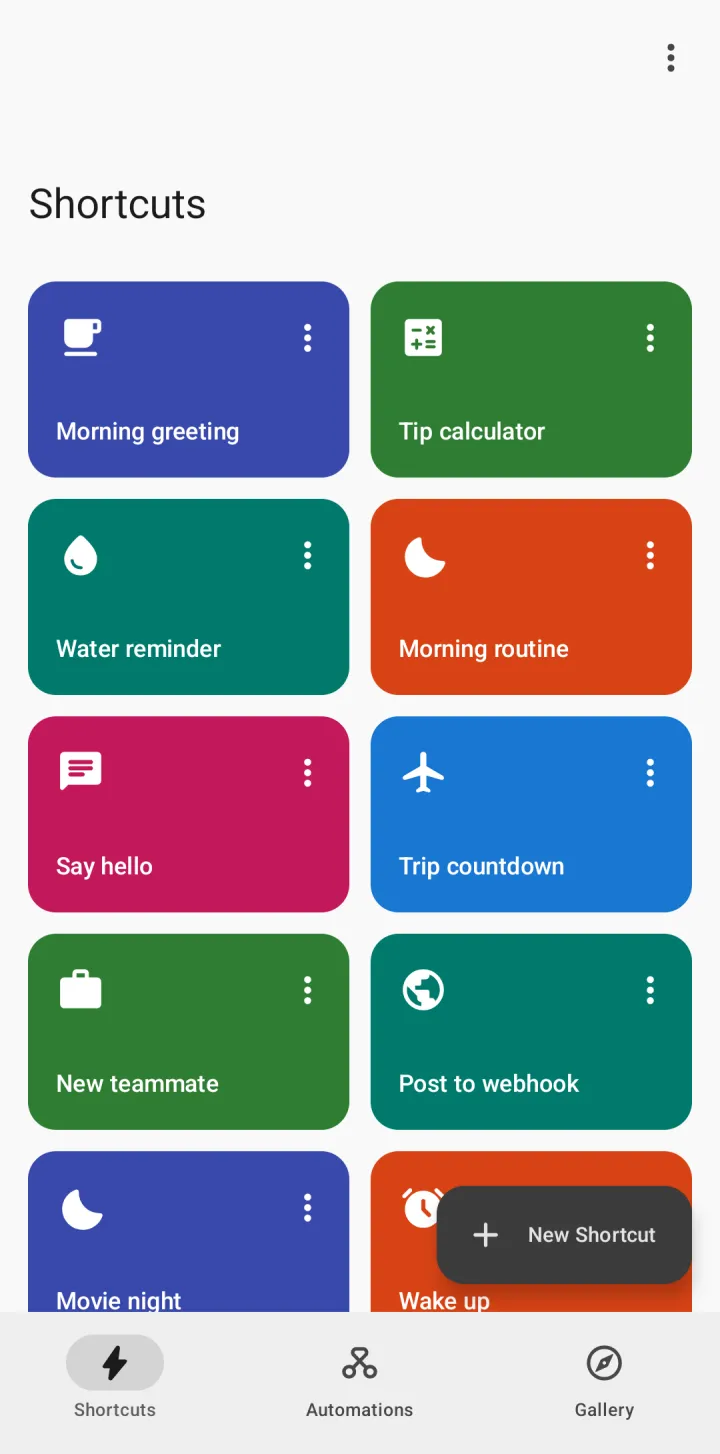
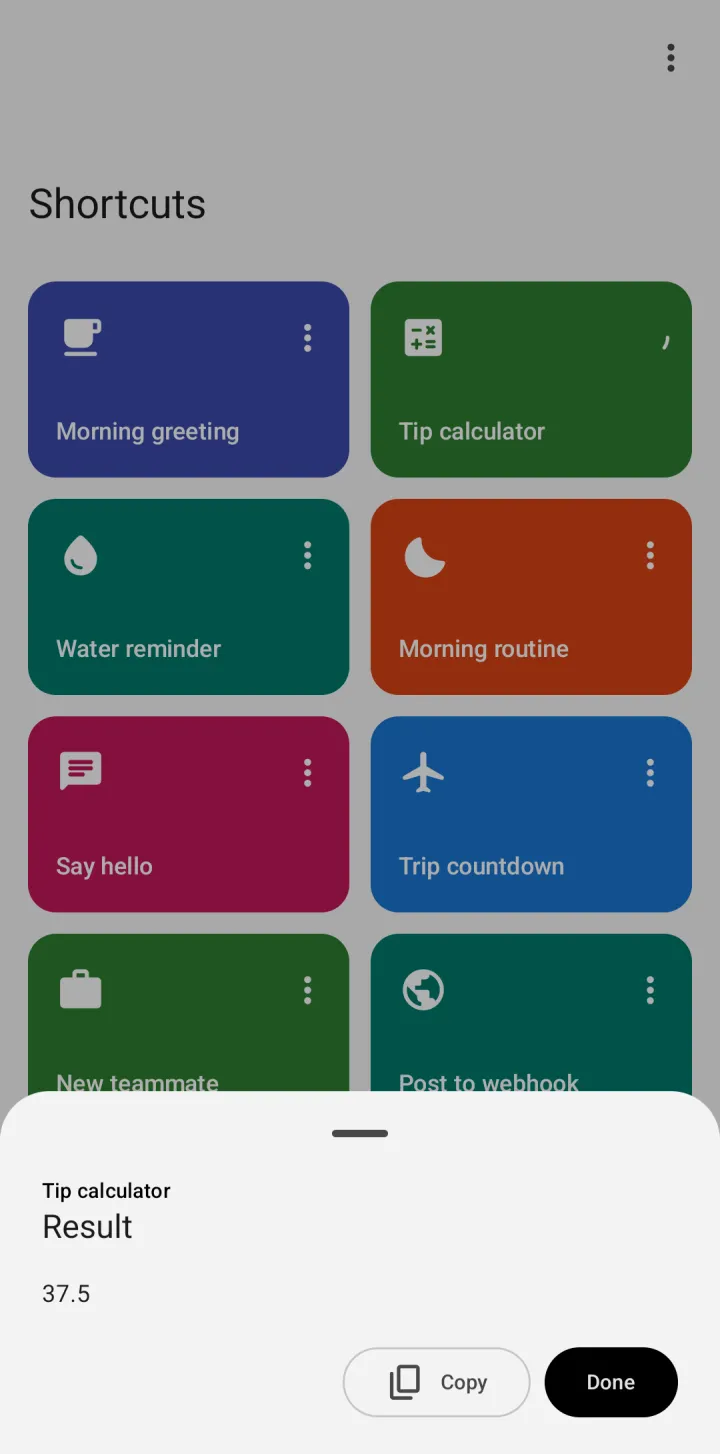
- Tap a shortcut in the app or put it on your home screen
- Share a link, photo, file or text from any app into a shortcut
- Select text in any app and run a shortcut on it
- Let other apps, such as home automation apps, start a shortcut
Automations that tell you what they need
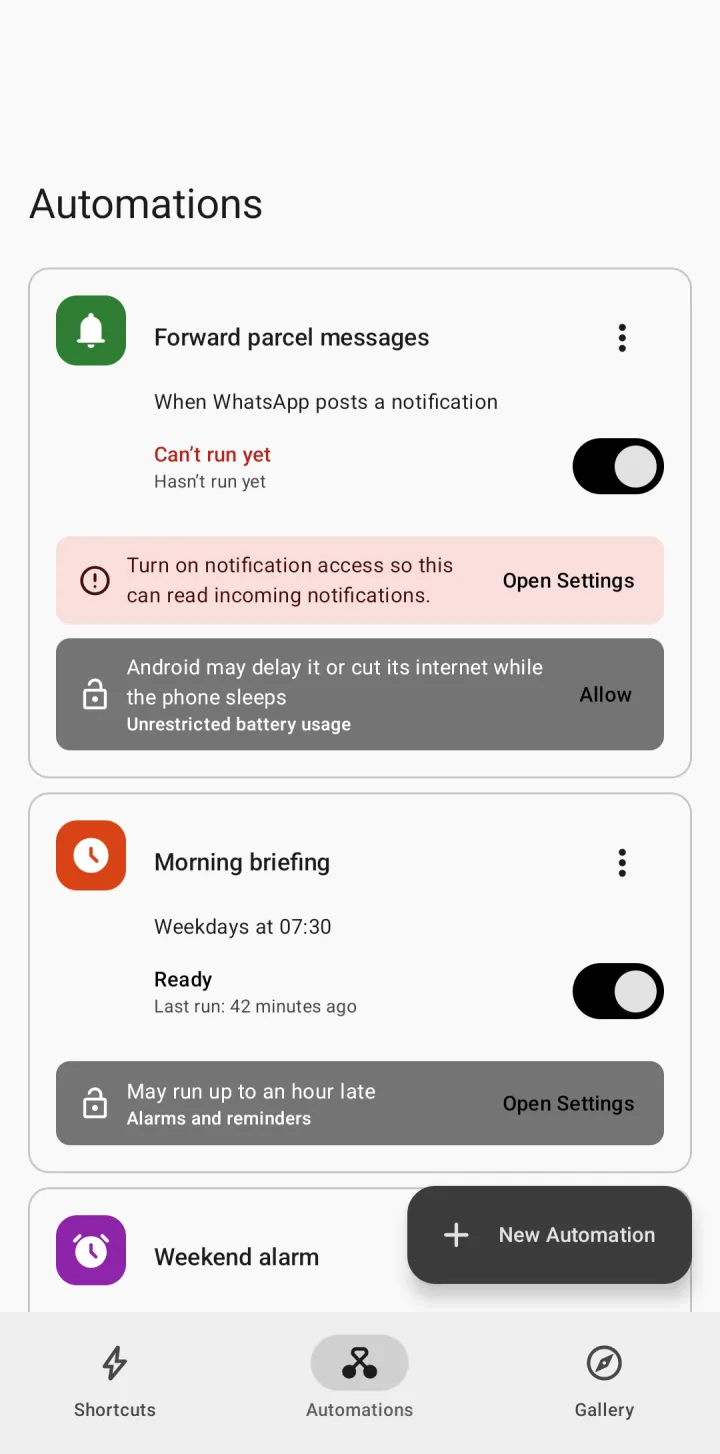
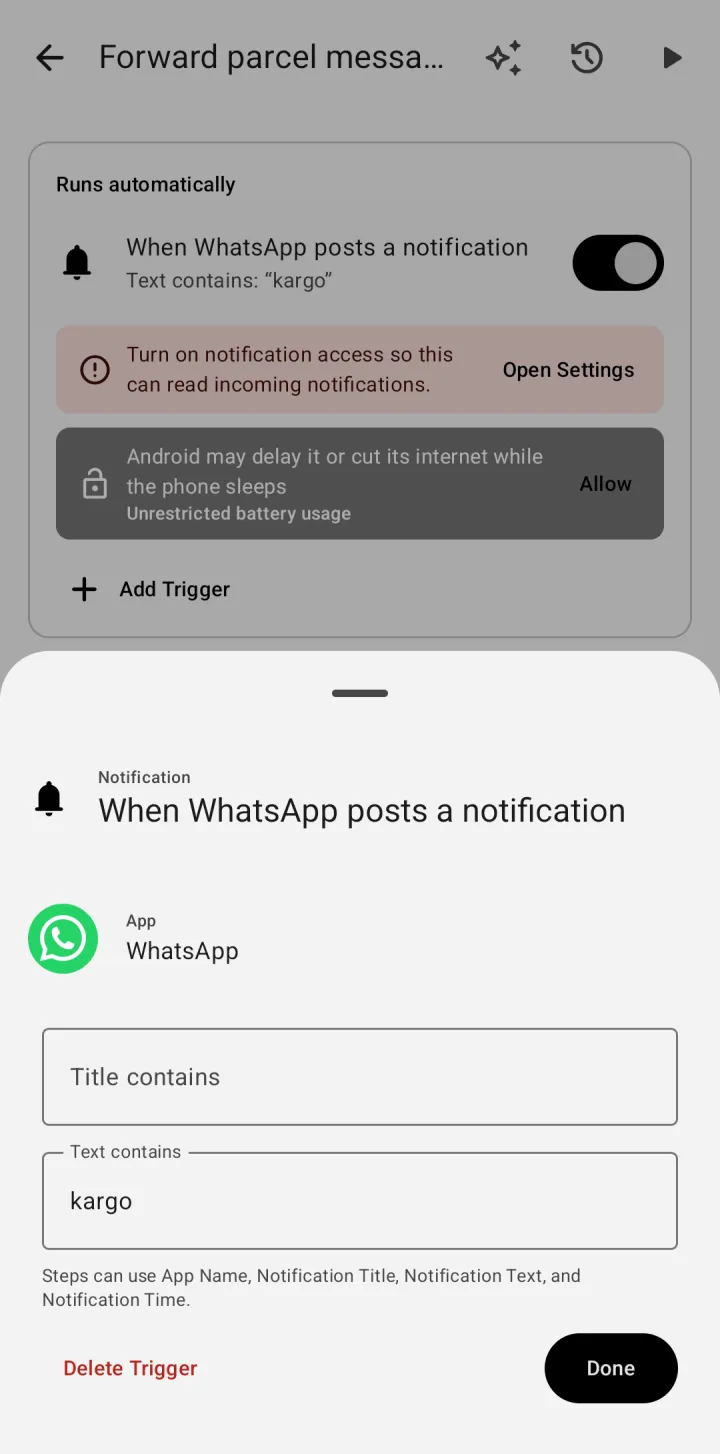
An automation is a shortcut with a trigger. Run shortcuts:
- at a time of day, on the days you choose
- when a notification arrives
- when you tap an NFC tag
- when a Bluetooth device connects or disconnects
- when you plug in the charger or the battery reaches a level
- when you open or close an app
- when your phone connects to Android Auto
- when a calendar event starts or ends
- when your phone starts
Each automation shows whether it is ready, why it did not run and how to fix it.
Actions for everyday things
Text and data
Text, numbers, dates, lists, dictionaries and variables
Control flow
If/Otherwise, Repeat, Repeat with Each and menus
Web
Get the contents of URLs and APIs, read articles, search the web
Phone
Battery, clipboard, flashlight, brightness, notifications, vibration
Apps
Open apps and their shortcuts, call, send messages and email, get directions
Photos and files
Take, pick, resize, crop, convert, combine, archive, make PDFs
Calendar and contacts
Events, contacts and reminders
Location and weather
Where you are, the weather now and the forecast
Speech and sound
Speak and dictate text, play sounds
QR codes
Scan and create QR codes
Saved values
Keep values from one run to the next
On-device AI
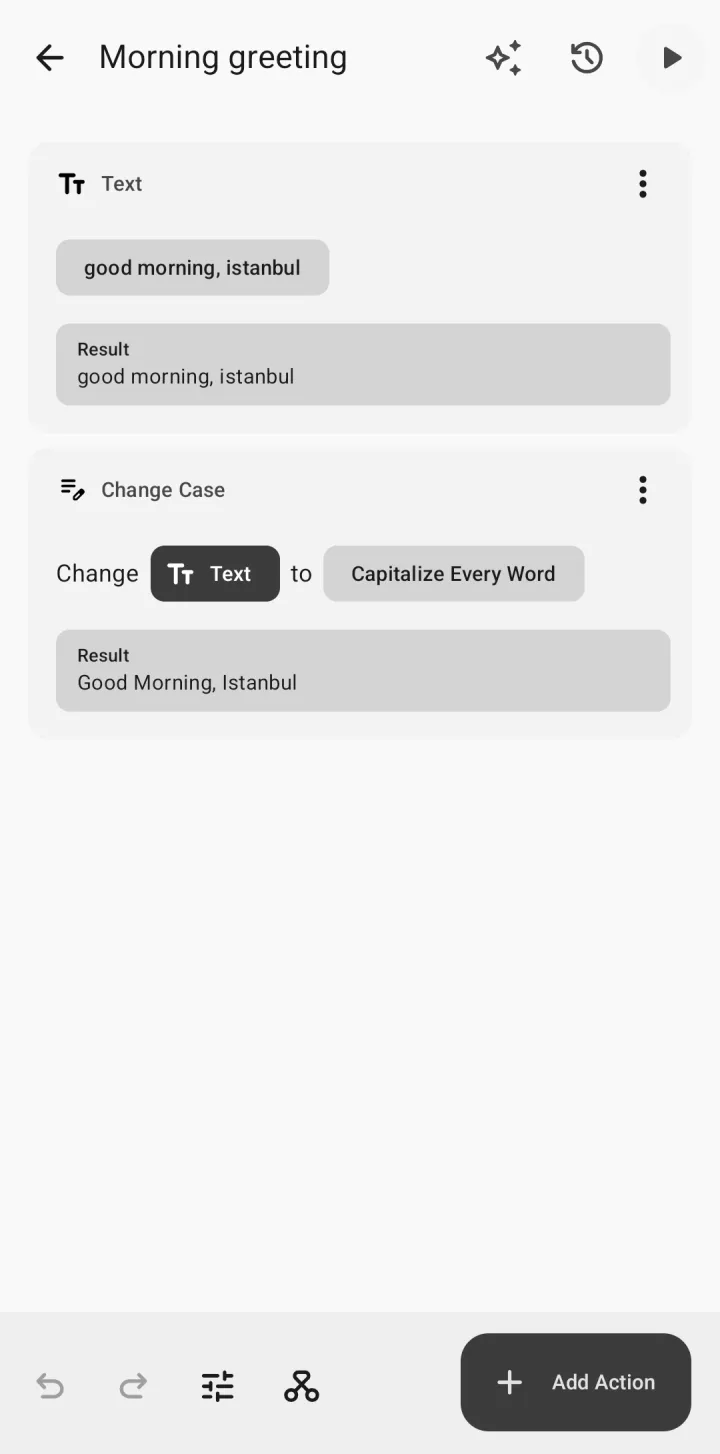
Summarize and rewrite text without it leaving your phone, on supported phones
See every run
Each run is recorded step by step: what every step received, what it produced and how long it took. Errors explain what happened and how to fix it.
Permissions only when needed
Tapstep asks for a permission only when you add a step that needs it, explains why, and opens the exact setting.
Share with a link
Send any shortcut as a link. Personal details such as places, devices and files are left out, and triggers arrive switched off.
Privacy
No ads and no sign-up. Usage statistics are shared only if you agree. What you send to Pro’s AI is not stored by us and is not used to train models.
Tapstep Pro · optional subscription
AI inside your shortcuts
Build with AI
Describe what you want and Tapstep builds the shortcut, asking follow-up questions
Use Pro Model
Ask a capable AI model about text, photos or files inside your shortcuts
Create Image
Make or change images from a description
Pro renews monthly or yearly and starts with a free trial. Cancel anytime in Google Play. AI answers can be reported from inside the app.
Shortcuts and automations for everything you do
Free · No ads · No sign-up